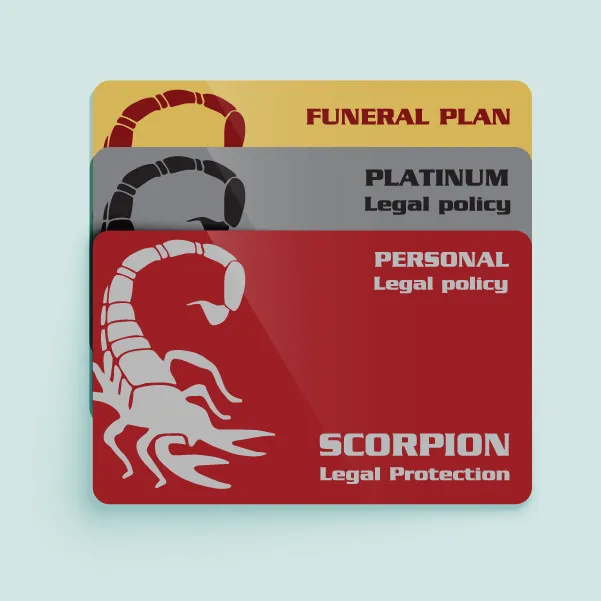
If you haven’t received your Scorpion membership card yet, we want to assure you that you still have access to all your Scorpion member benefits. You can get a digital version of your membership card online by using the Members' Portal on our website. It’s quick and convenient, because you can keep your digital card on your phone to use whenever you need it.
Here’s how to download your digital card:
- Save the Scorpion WhatsApp number 011 842 7890 on your phone.
- Send us a "Hi" to get started.
- You will receive a reply from Scorpi with instructions.
- Tap the three horizontal lines at the bottom of the message to open a menu of options.
- Scroll down to Membership Card.
- Click on Membership card. A tick box will appear next to the membership card.!
- Press Send.
- You will be asked to insert your membership number or ID number.
- You will then be asked to insert your mobile number.
- An OTP number will be sent to your number by SMS or email.
- Insert SMS number into the WhatsApp chatbox.
- Click on the three horizontal lines at the bottom of the message.
- A number of options will be given to you, and you need to choose ‘Membership card’.
- Your membership card will load, and you can download/save it.
If you have any questions, please feel free to get in touch:
Chat to Scorpi here.
DM us directly on Facebook for assistance.
Call us on 0861 333 333.
Email us on admin@scorpion.biz.
Visit your nearest Scorpion branch.